Reading progress · Chrome
Pick up your PDF where you left off
A long PDF rarely fits into one sitting. You read a few pages before a meeting, stop halfway through a chapter, or leave a manual open while you work. When you return, the first task should be reading—not remembering which page you reached.
Easy Reader for Chrome saves your PDF page, position within the page, and zoom level. It also includes named bookmarks and text highlights, so you can distinguish where you stopped from the passages you want to revisit.
Get Easy Reader for Chrome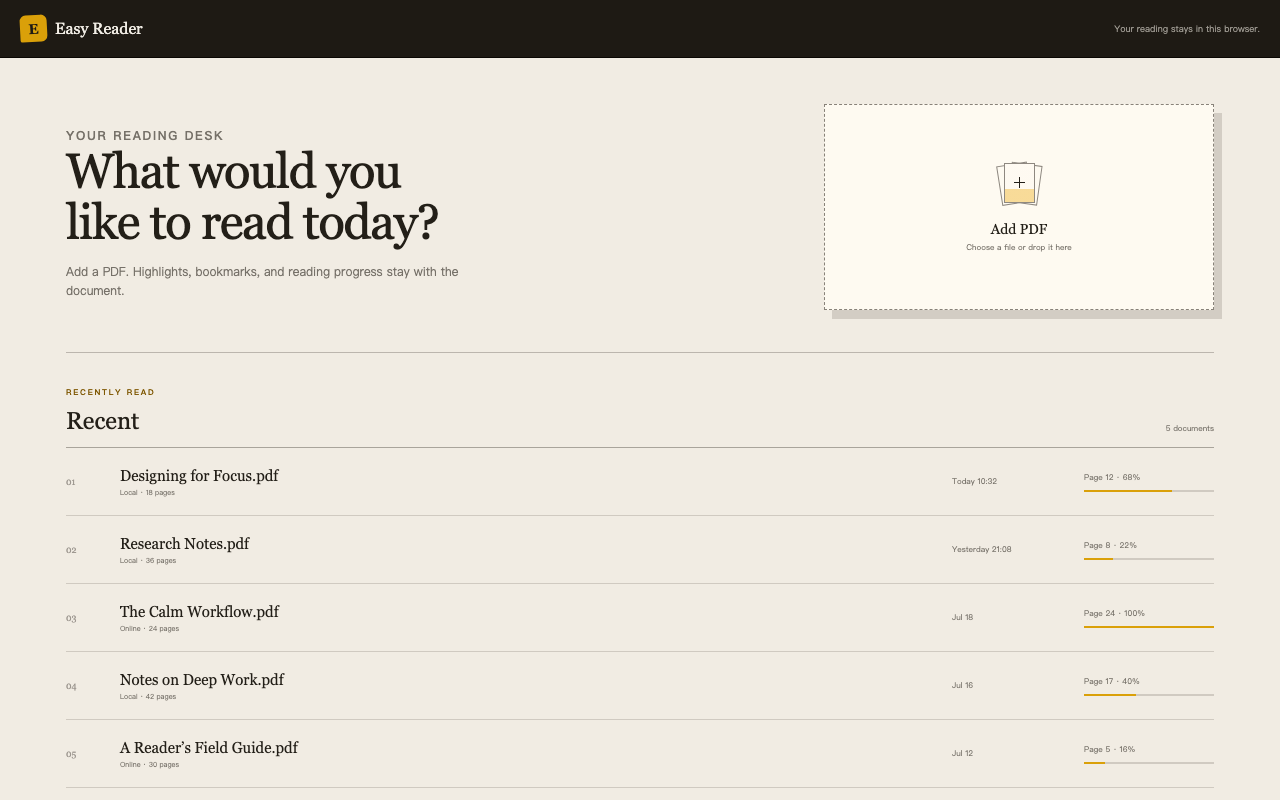
Keep your place and your important passages separate
Your last reading position answers one question: “Where was I?” A bookmark answers another: “Where do I want to return?”
For a research paper, that might mean continuing through the discussion while keeping a bookmark on the method you need to check. For a technical manual, it might mean reading the next section while keeping a reference table easy to find.
Give a bookmark a useful name rather than a vague label. “Check this assumption” or “Setup reference” tells you why the passage mattered when you come back a week later. That small habit can make a long document easier to work with.
Try a small reading routine
Choose one PDF you expect to read over several sessions. Read a manageable section, mark a passage that deserves another look, and decide what you want to investigate next.
Before depending on any reader for an important document, check its reopen behavior with a non-sensitive sample. Confirm that returning to the document gives you the experience you expect. Keep your original PDF separately; a convenient reading workspace should not be your only copy of an important file.
The goal is simple: spend less of your next session finding your way back, and more of it understanding what comes next.
Questions before you start
Can I keep more than one place to revisit?
Easy Reader supports named bookmarks as well as saved reading progress. Use bookmarks for reference points and saved progress for the place where you paused.
Where does Easy Reader keep reading data?
The Chrome Web Store description says documents and reading records remain in your browser. New installations enable anonymous usage statistics, which you can disable from Privacy on the extension’s home page. Read the current privacy information before choosing a workflow for sensitive documents.
Should I use bookmarks or highlights?
Use a bookmark when the location matters. Use a highlight when a specific passage matters. You do not need to mark every paragraph: a few deliberate reference points are often more useful than a document covered in color.
Make your next reading session easier to start
Try Easy Reader with one long PDF and see whether returning to your place removes a small but recurring interruption from your day.
View Easy Reader in the Chrome Web Store