Chromebook PDF workflow
A calmer PDF reader for Chromebook.
Easy Reader gives Chromebook readers a focused place for papers, reports, and ebooks. Keep files in a local library, highlight the useful lines, and return to the exact position where you stopped.
What matters on ChromeOS
What makes the best PDF reader for Chromebook?
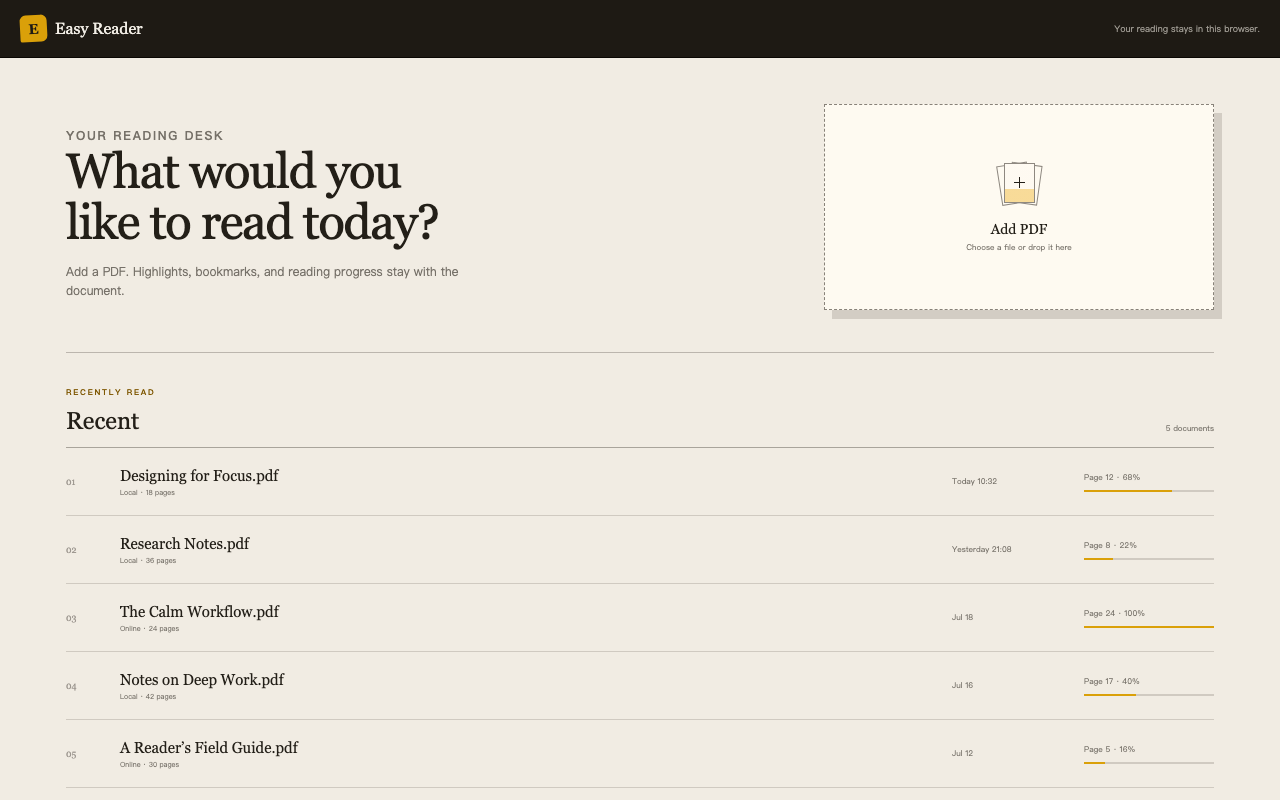
“Best” depends on the job. For long-form reading, look for a calm interface, offline access, a real document outline, durable annotations, and precise progress restoration. Easy Reader is built around those moments that usually get lost: finding a local file again, navigating a long outline, and reopening the exact place you were reading.
- 01Local document libraryKeep selected PDFs available in the browser, including when you are offline.
- 02Precise reading progressRestore the page, in-page position, and zoom level instead of starting over.
- 03Real PDF outlineUse the document's own chapter hierarchy to move through reports and ebooks.
- 04Highlight and bookmarkMark important passages, name a bookmark, and create a shareable quote image.
A simple start
Your Chromebook reading desk in four steps.
There is no account to create and no document dashboard to learn. Install the extension, choose a PDF, and let the reading workflow stay close to the page.
- 01Install from the Chrome Web StoreAdd Easy Reader to Chrome on your Chromebook.
- 02Open a local or public PDFUse the file picker, drag and drop, or open a public HTTPS PDF.
- 03Mark what mattersHighlight text, draw with the pen, and add a named bookmark.
- 04Come back exactly where you left offEasy Reader restores the reading position and zoom level in this browser.
Chromebook FAQ
Before you choose a PDF reader.
Does Easy Reader work offline on Chromebook?
Yes. PDFs added to the local library remain available in the browser, together with highlights, bookmarks, and saved reading position.
Can I annotate a PDF without uploading it?
Yes. Local PDFs and annotations stay in your browser. Easy Reader does not use a developer-operated document proxy or cloud library.
Is Easy Reader free to install?
Yes. Easy Reader is available on the Chrome Web Store and has no account requirement or advertising.
Make your Chromebook a better place to read.
Start with one PDF and keep your highlights, bookmarks, and progress close at hand.
Get Easy Reader for Chrome