Private · local-first · offline
A private, offline PDF reader for Chrome.
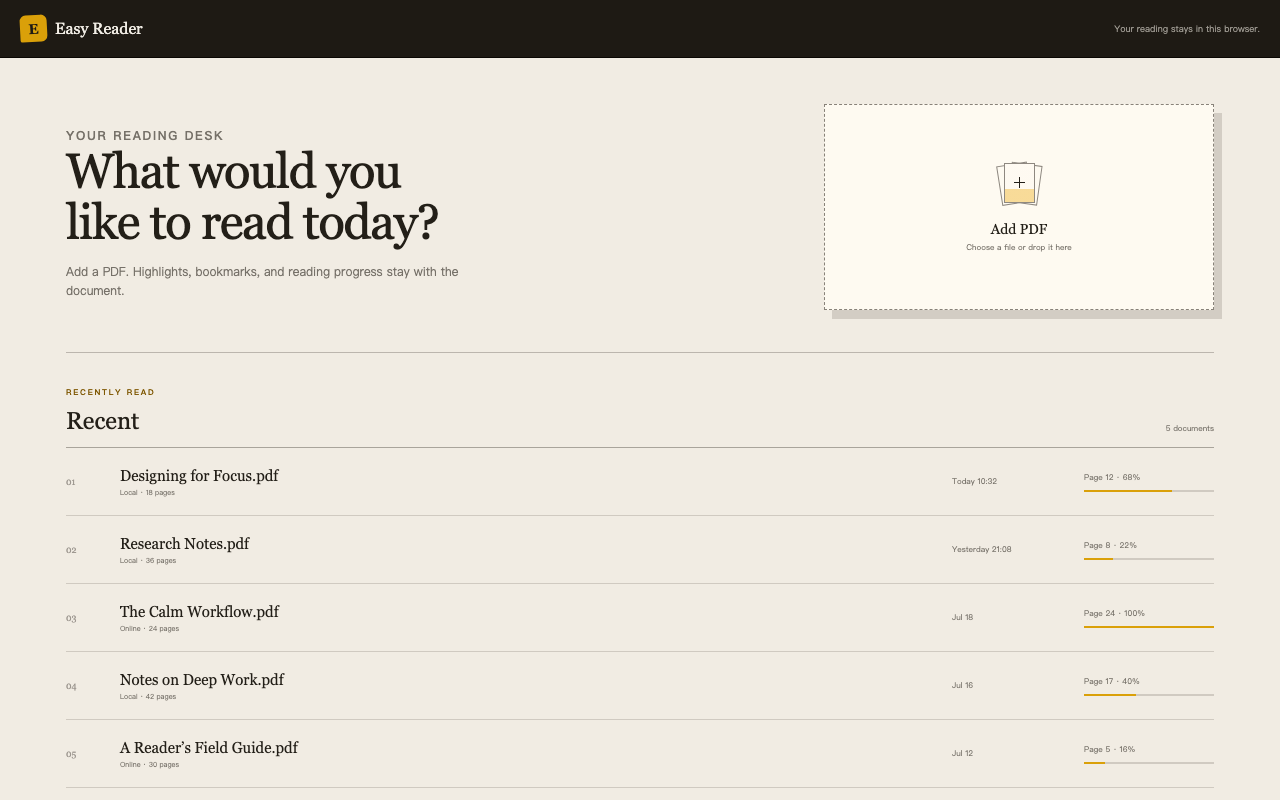
Easy Reader keeps your selected PDFs and reading records in this browser. There is no account system, no advertising, and no developer-operated proxy for document content.
Privacy without a lecture
The browser is the boundary.
Private reading is mostly about choosing a smaller data path. Easy Reader stores the document index, annotations, bookmarks, and progress in the extension's local storage. You choose when to create a quote image or send it to another application.
- 01Local PDFs stay localFiles explicitly added to the library are stored in the browser for offline access.
- 02No account requiredThere is no login, profile, cloud library, or advertising layer around your reading.
- 03Online PDFs go directWhen you choose a public HTTPS PDF, the browser requests it from the site you selected.
- 04Analytics is separateOptional anonymous extension analytics and website visit analytics do not include document content or URLs.
A local reading loop
Read offline, then return with the same context.
Your library is more useful when it remembers the reading state that matters. Easy Reader restores page, in-page position, zoom, highlights, and named bookmarks in this browser.

Privacy FAQ
What stays in your browser?
Does Easy Reader upload my PDF?
No. The extension does not send PDFs, filenames, document text, annotations, bookmarks, or reading progress to the developer or analytics services.
Does the website use Google Analytics?
Yes. The public website uses Google Analytics 4 to understand visits to its pages. It is not connected to PDF content, reading history, or document URLs. See the privacy policy for details.
Can I disable extension analytics?
Yes. Anonymous extension analytics can be disabled from Privacy on the extension home page, which also deletes the locally stored random installation ID.
Keep your reading close to the page.
Install a private PDF reader for Chrome and make offline reading feel intentional.
Get Easy Reader for Chrome